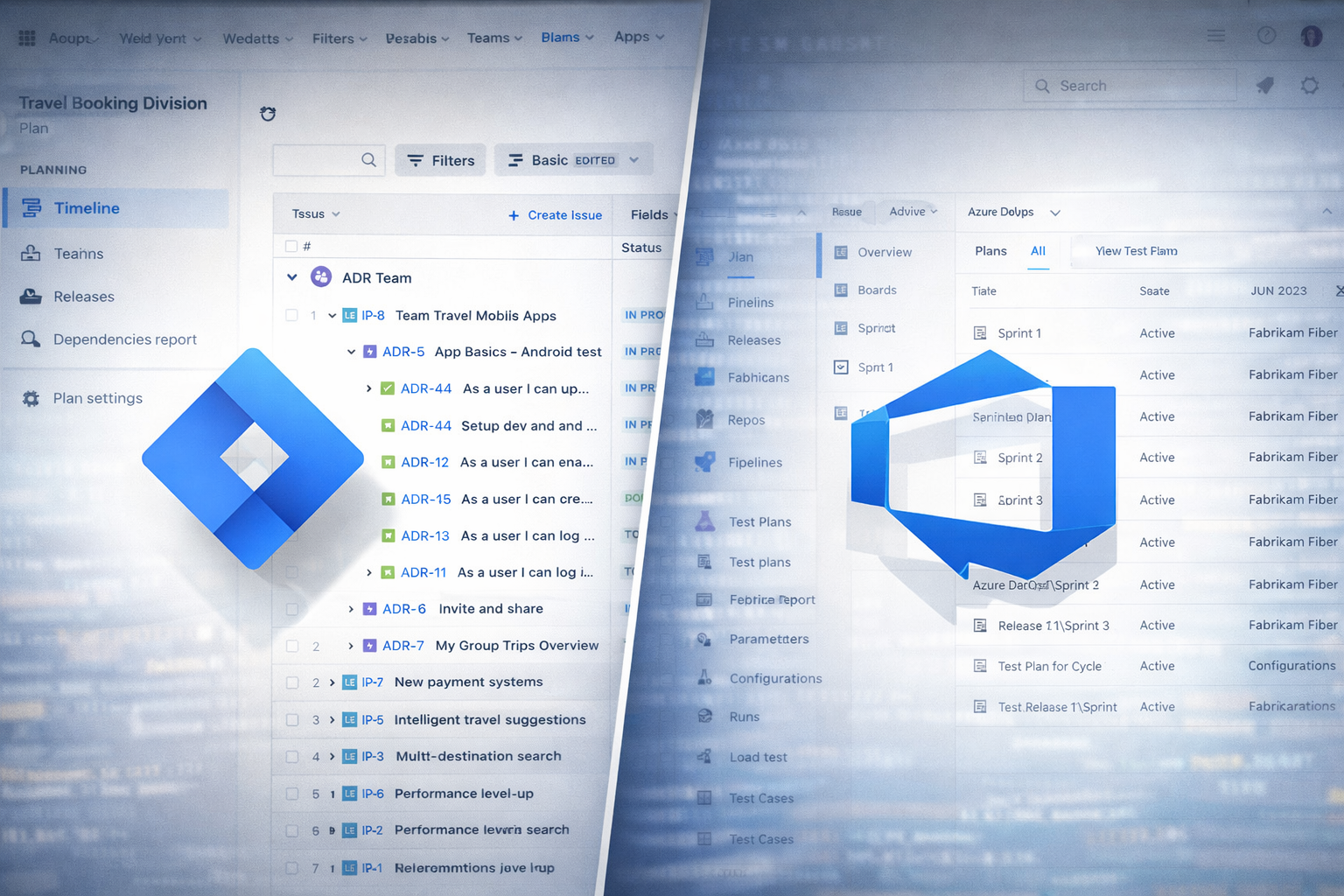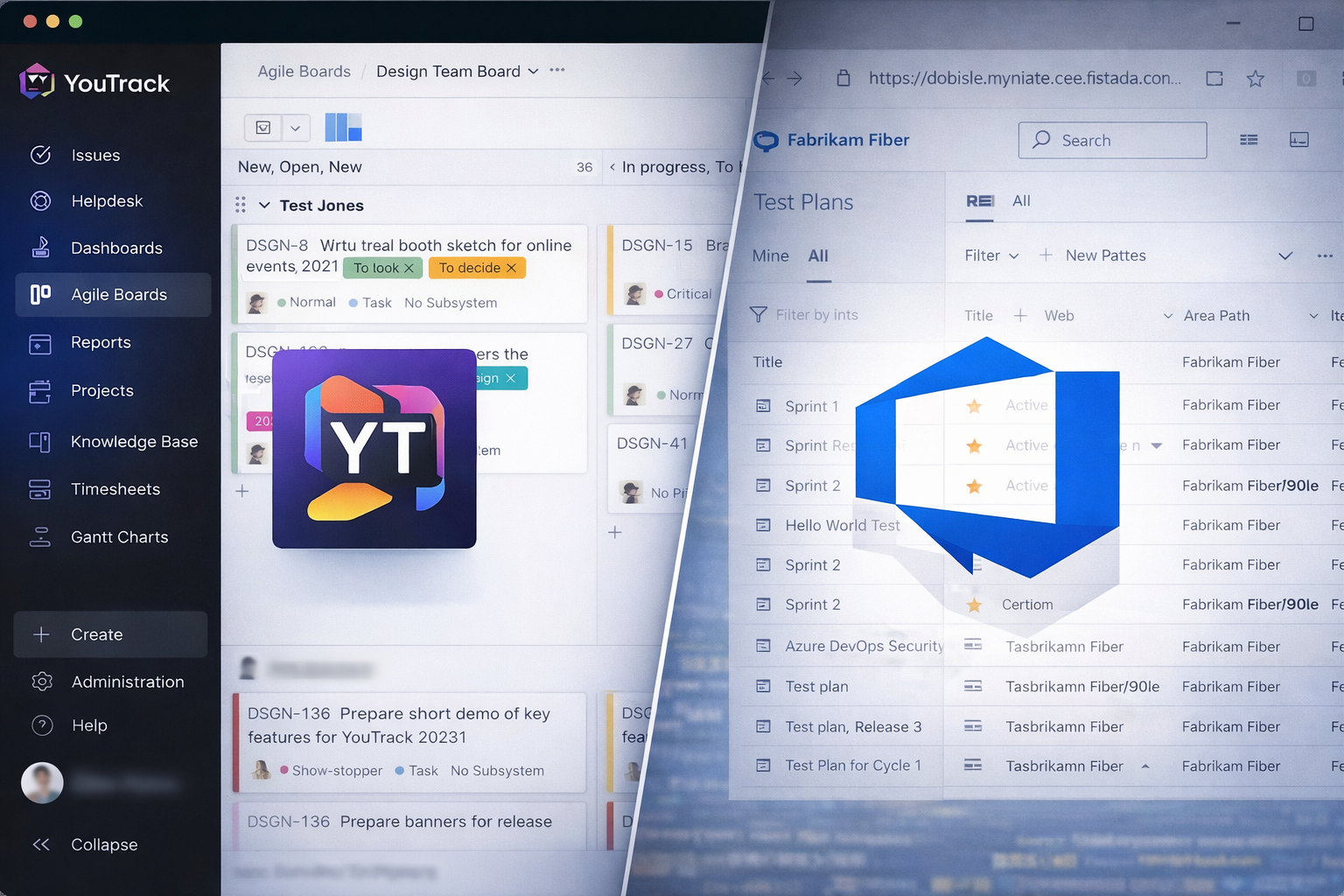
When teams compare DevOps tools, the conversation usually starts with features and ends with frustration. What really matters, though, is how the tool feels when you are managing a backlog every day and trying to keep testing from slowing everything down. This is where Azure DevOps and YouTrack by JetBrains show their biggest differences.
Both tools can support modern development teams, but they approach backlog management and testing from very different angles.
Managing the Backlog: Structure vs. Flexibility
Azure DevOps takes a very structured approach to backlog management. It comes with a clear hierarchy – epics, features, user stories, and tasks – and it expects teams to use it. This works well when you want consistency across projects or need clear traceability from high-level goals down to individual tasks.
Backlogs in Azure DevOps are powerful, but they can feel heavy. There are fields, states, and rules everywhere. For some teams, especially larger ones, this structure is a benefit. It keeps planning disciplined and makes it easier to answer questions like “What is committed for this release?” or “Which features are blocked?”
YouTrack approaches backlogs in a much lighter way. Issues are the center of everything, and teams decide how much structure they want. You can run Scrum or Kanban, manage sprints, and prioritize work without being forced into a strict hierarchy. If your backlog evolves often or your process changes as the product grows, YouTrack tends to adapt more easily.
In practice, Azure DevOps feels like a planning system you configure carefully and then follow. YouTrack feels more like a shared workspace where the backlog grows naturally with the team.
Day-to-Day Backlog Work
Planning sessions in Azure DevOps tend to be more formal. Teams groom backlogs, assign estimates, link work items, and manage dependencies. This works well for cross-team planning but can feel slow for smaller or fast-moving teams.
In YouTrack, backlog work is usually quicker and more conversational. Creating issues, adjusting priorities, and moving work around feels fast and lightweight. Developers often appreciate that they can manage work without fighting the tool.
Neither approach is wrong. Azure DevOps favors predictability and alignment. YouTrack favors speed and adaptability.
Testing: Built-In vs. Integrated
Testing is where the tools really start to diverge.
Azure DevOps includes native testing capabilities. You can create test cases, group them into test plans, execute them manually, and track results – all inside the same system as your backlog. Test cases can be linked directly to user stories and bugs, which makes traceability straightforward.
For teams that care about seeing testing progress alongside development work, this is a big advantage. Test results can flow in from automated pipelines, and failures can be turned into bugs with very little friction. Testing feels like a natural part of delivery, not a separate activity.
YouTrack does not try to be a full test management tool. There is no built-in concept of test plans or test runs. Instead, testing is usually handled through integrations or by modeling tests as issues. Some teams track test cases as tasks, others link YouTrack issues to external testing tools.
This sounds limiting, but for many teams it is actually freeing. YouTrack does not force a specific testing model. If your testing already lives in CI pipelines, test frameworks, or specialized tools, YouTrack stays out of the way and focuses on tracking work and defects.
How Testing Feels in Practice
In Azure DevOps, testing is visible and structured. You always know which stories have tests, which tests passed, and what failed in the last build. This is especially useful for regulated environments or teams that need formal test evidence.
In YouTrack, testing is more informal but often faster. Bugs, test tasks, and automation failures are easy to track, but the details live where they make the most sense. Teams that rely heavily on automated testing often prefer this model because they do not need to duplicate test information inside the backlog tool.
So Which One Works Better?
It depends on what you want your backlog and testing tools to do.
Azure DevOps is a strong choice if:
- You want structured backlogs with clear hierarchy
- Testing needs to be visible and traceable inside the same system
- You value consistency and governance
- Multiple teams need to align on a shared planning model
YouTrack is a better fit if:
- You prefer flexible, lightweight backlog management
- Your process changes often as the product evolves
- Testing already lives in CI pipelines or external tools
- You want the backlog tool to stay simple and fast
Final Take
Azure DevOps works best when backlog management and testing need to be tightly controlled and clearly reported. It brings order, structure, and visibility – but asks teams to follow its rules.
YouTrack shines when teams want to move quickly, adapt their backlog easily, and keep testing flexible. It does not try to own the entire process, and that makes it feel more human and less bureaucratic.
In the end, the best tool is the one that matches how your team actually works, not how a framework says it should.