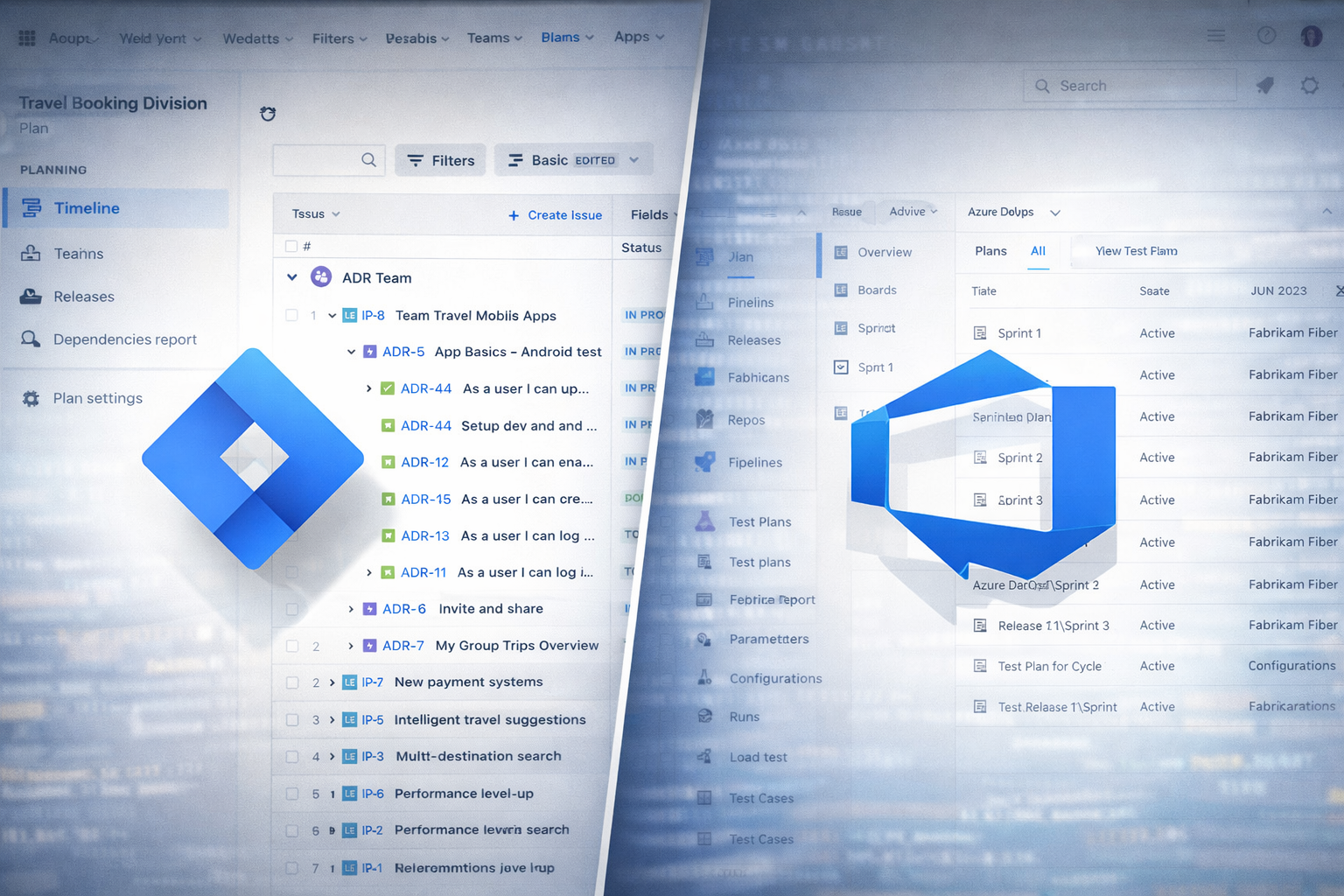
If you’ve ever been in charge of QA, you know that manual testing can feel like herding cats – especially when it comes to keeping track of test cases, execution results, and reports. Choosing the right tool can make a huge difference in how smoothly your team runs. Let’s take a look at how Azure DevOps Test Plans stacks up against TestRail, Zephyr for Jira, and a few other popular options, and talk honestly about what works – and what doesn’t.
Azure DevOps Test Plans: All-in-One, but a Little Basic
Azure DevOps is not a dedicated test management tool – it’s more of a full DevOps suite, and manual testing is just one part of it. That said, it’s surprisingly capable. You can create test plans and suites, assign testers, run manual tests, link results to bugs, and even tie everything back to your user stories. If your team is already using Azure DevOps, it keeps testing in the same system as your development work, which is nice.
What’s good:
- Everything lives in one place: backlogs, test cases, bugs, builds – you name it.
- Basic manual testing workflows are covered.
- Integration with CI/CD pipelines makes combining manual and automated tests smoother.
What’s tricky:
- Reporting is basic. If you want rich dashboards, you’ll need Power BI or a custom solution.
- Navigation and UI can feel clunky, especially when managing large numbers of test cases.
- No AI-assisted testing or auto-suggestions – you still do most of the manual work yourself.
In short, Azure DevOps works best if you want one platform for everything, but it’s not going to give you the depth or polish of a dedicated QA tool.
TestRail: The Dedicated QA Powerhouse
If you want a tool built specifically for test management, TestRail is the obvious choice. It’s designed for QA teams, with features for structuring test cases, creating test suites, tracking execution, and generating detailed reports. TestRail doesn’t manage your code or deployments, but it gives you full control over testing itself.
What’s good:
- Excellent organization: test cases, suites, and reusable steps are easy to manage.
- Reporting is rich: you can see coverage, execution results, and progress at a glance.
- Integrates with Jira, GitHub, GitLab, Jenkins, and more.
What’s tricky:
- It doesn’t track defects on its own – you still need Jira or another bug tracker.
- Licensing costs can get high for large teams.
- With very large repositories, performance can slow down a bit.
TestRail is ideal for teams who live and breathe testing and want a dedicated, structured environment for manual QA.
Zephyr for Jira: Perfect If You’re Already in Jira
Zephyr takes a different approach: it lives inside Jira. Your test cases are just another type of Jira issue, which makes linking to user stories and bugs seamless. If your team is already using Jira, Zephyr is an easy way to add test management without spinning up a new platform.
What’s good:
- Tight Jira integration: traceability is built-in.
- Agile-friendly: test cycles fit naturally into sprints and releases.
- Dashboards show execution data alongside development metrics.
What’s tricky:
- You need Jira licenses for your testers, which adds cost.
- Large test suites can slow Jira down.
- Customization is limited – you’re somewhat constrained by Jira’s workflows.
Zephyr works best for teams already committed to Jira, but it won’t give you the full suite of test management features a dedicated tool like TestRail offers.
Other Options
- qTest: Great for enterprise teams, flexible reporting, works well with automation. Can feel overwhelming for small teams.
- BrowserStack Test Management: Cloud-first, modern UI, AI-assisted features for creating test cases. Limited offline support and heavier reliance on cloud connectivity.
- TestLodge: Simple and lightweight, good for small teams, but lacks the depth and reporting features of TestRail or qTest.
Bottom line
For serious manual test management, TestRail usually gives you the most power and flexibility. But if your team already uses Azure DevOps or Jira, sticking to the built-in options or Zephyr can reduce tool-switching headaches – at the cost of some reporting sophistication and flexibility.